
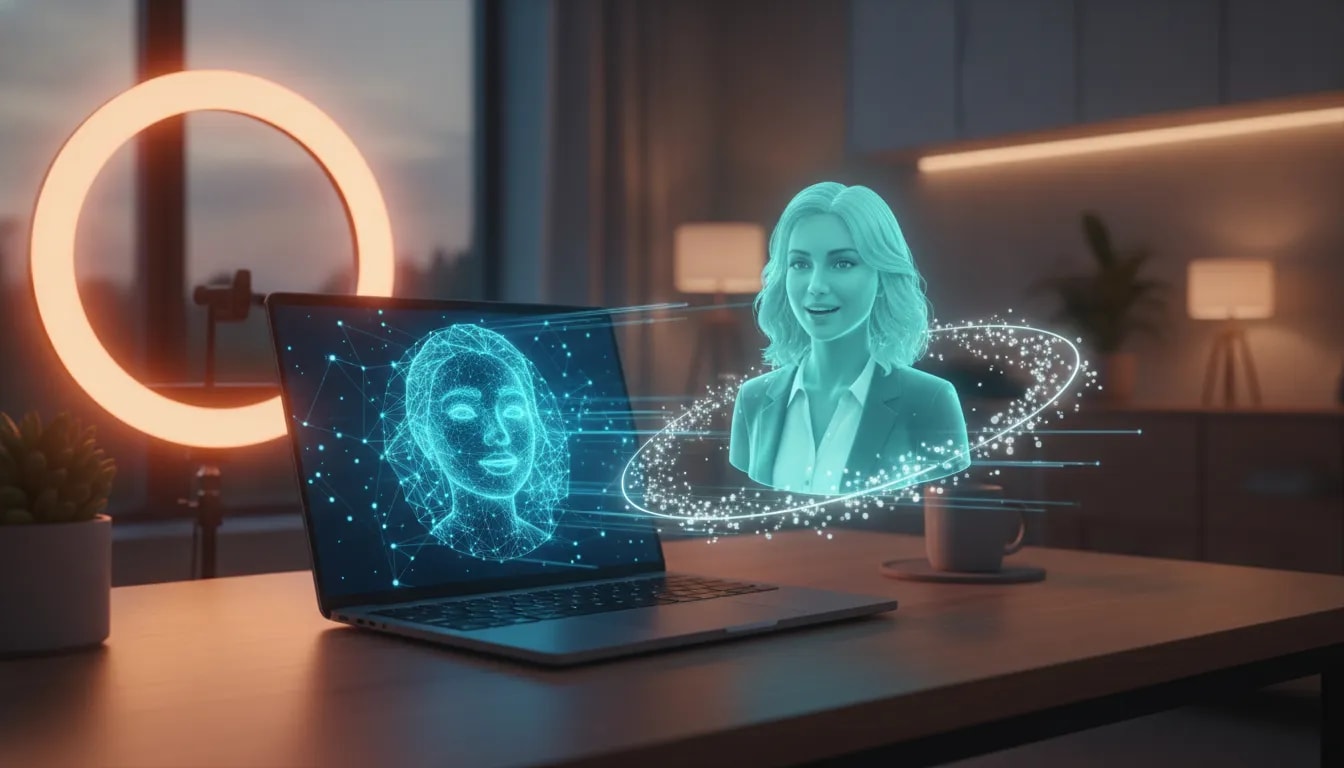
Creating realistic talking AI avatars used to sound like something reserved for giant brands with massive production budgets. Now, tools such as Abacus AI Studio and SeeDance 2.5 make it possible to create AI avatar videos, UGC-style content, cinematic product ads, virtual try-ons, and social media reels in a matter of minutes.
This is a big deal if you want to make content without constantly filming yourself, hiring creators, arranging shoots, editing videos, or even having the physical product in hand. You can build an avatar, give it a voice, describe the content you want, and generate an entire video plan with scenes, dialogue, transitions, and visuals.
The creative possibilities are honestly insane.
What Is Abacus AI Studio?
Abacus AI Studio is an all-in-one AI creation platform that gives you tools for generating images, videos, avatars, AI agents, and access to multiple large language models. The avatar feature is the real standout for content creators, marketers, brands, and anyone who wants to produce polished social media content without getting in front of a camera.
Inside the studio, there are three core creative areas:
- Image generation: Create images using a range of models, resolutions, aspect ratios, and image counts.
- Video generation: Generate video clips with adjustable duration, aspect ratio, audio settings, and prompt optimization.
- Avatar generation: Build an AI character or upload a photo, then turn that avatar into a talking creator.
The platform can also rewrite or optimize prompts automatically. That is useful when you know the idea you want but do not want to spend forever figuring out the perfect wording for an image or video model.
Why SeeDance 2.5 Is So Powerful for AI Avatar Videos
When creating an avatar video, you can choose between available models, including the premium option powered by SeeDance 2.5. The premium model is designed for higher-quality output and can create videos up to 30 seconds long.
You can also control several important production settings before generating:
- Video aspect ratio
- Resolution
- Video length
- Avatar choice
- Voice style
- Prompt rewriting and optimization
- Whether sound is included
That level of control matters because the same concept needs to be presented differently depending on where it will live. A vertical short-form clip for TikTok or Instagram needs a different framing than a wider branded video. Being able to create variations quickly gives you far more creative flexibility.
There are also ready-made examples and templates for product reviews, virtual try-ons, UGC content, TikTok-style videos, images, and video campaigns. Rather than starting from scratch, you can choose a format you like, click Use Template, replace the product or avatar, and build from there.
How to Create a Realistic AI Avatar
The process is surprisingly simple. You can either choose from existing avatars or create a custom person from scratch.
Option 1: Choose a Ready-Made Avatar
Abacus AI Studio includes avatar options suited to different types of content and situations. This is the fastest route if you want to test an idea, create a product video, or publish UGC-style content without designing an entirely new character.
Option 2: Create a Custom Avatar from a Prompt
If you have a specific creator identity in mind, describe the person you want. You can define appearance, styling, energy, clothing, hair, accessories, and the overall personality of the character.
For example, you might create someone like this:
A warm creator in her late twenties with shoulder-length dark hair, a casual denim jacket, and friendly, confident energy.
You can go further by changing clothing, hairstyles, and accessories to suit the niche or campaign. A luxury travel creator, skincare reviewer, fashion try-on creator, tech presenter, or food content personality can all have completely different visual identities.
Option 3: Upload a Photo and Turn It into an Avatar
You can also upload a photo and turn that person into a custom AI avatar. Once the image is uploaded, you can name the avatar, describe the personality, select or create a voice, and use that character in templates or original video prompts.
This gives you a way to produce content featuring a consistent identity without needing to record every new piece of content manually.
Creating an AI Voice for Your Avatar
A convincing avatar needs more than a realistic face. It needs a voice that matches the visual identity and the kind of content you are making.
Abacus AI Studio lets you define voice qualities such as:
- Age range
- Accent
- Tone
- Speaking pace
- Energy level
- Overall personality
You can describe a voice in highly specific terms, such as warm, youthful, feminine, smooth, slightly husky, confident, elegant, conversational, relaxed, sophisticated, intimate, or expressive. You can also work from a short uploaded voice sample.
Before committing, generate and test voice options so you can hear whether the delivery matches your creator concept. This is especially important for UGC-style content, where a voice that feels too scripted or disconnected from the avatar can make the content feel less natural.
How to Keep Your AI Avatar Consistent Across Scenes
One of the biggest challenges with AI video is keeping the character consistent from scene to scene. A creator can suddenly have a different face, body shape, hairstyle, or skin tone if the prompt is too vague.
The solution is to explicitly tell the model what needs to remain unchanged. For example, if you are creating a travel reel, include instructions that preserve the avatar’s face, facial features, skin tone, hairstyle, and body proportions throughout the entire video.
A useful prompt structure looks like this:
Create a cinematic luxury travel reel featuring me exploring Italy. Keep my face, facial features, skin tone, hairstyle, and body proportions consistent across every scene.
This acts almost like a negative prompt. You are not only telling the AI what to create, you are also reducing the chances of the details you care about drifting between scenes.
Once your prompt is ready, the platform can build a script, create a production plan, map out scenes, and prepare the generation. You review the plan, approve it, and generate the final content.
Use Case 1: Make Cinematic Product Ads Without a Video Shoot
One of the most exciting use cases is producing high-end product advertising. Imagine you have a perfume bottle, a skincare product, apparel, a gadget, or another physical product that you want to promote. Instead of organizing a shoot, you can upload the product and use an existing cinematic template.
Products can be added in a few ways:
- Upload an image of the product
- Add the product through a link
- Add it manually
- Use specification files when the product is not yet physically available
For a perfume ad, you could use a prompt asking for an ultra-premium, cinematic 15-second advertisement. The key is being specific about preserving the exact product reference, including the bottle shape, proportions, colours, logo, typography, and packaging details.
Then the AI can generate the commercial structure, scenes, and visual plan. Once approved, it creates a polished product video that can be used for social media or branding.
The really powerful part is variation. You can take the same concept and create versions for a blue bottle, red bottle, green bottle, or grey bottle without restarting an entire production. That makes it much easier to test creative directions, product variants, and campaign concepts.
Use Case 2: Create TikTok and Short-Form AI Videos
Short-form content is another massive opportunity. You can choose a Shorts-style template, select your avatar, add a voice, write the concept, and create an entire vertical video with scene changes, transitions, different angles, dialogue, and outfit changes.
That means you can create content for:
- TikTok
- Instagram Reels
- YouTube Shorts
- Product promotion campaigns
- Creator-led brand accounts
- Entertainment and lifestyle content
A travel-style reel, for example, can feature your avatar visiting Italy, delivering casual dialogue, changing locations, and moving through a series of cinematic scenes. The AI handles the voice, character consistency, transitions, shot changes, and visuals from a single direction.
This does not mean every video will be perfect on the first attempt. But it does mean you can produce and iterate on ideas incredibly quickly, without needing a camera, a location, a full editing workflow, or a team.
Use Case 3: Build AI UGC Creators for Shopping Content
UGC content is everywhere, especially around social commerce. YouTube Shopping, Instagram Shopping, Amazon shopping, live shopping, and TikTok Shop all create demand for creators who can explain, demonstrate, review, or try on products.
Traditionally, making this content meant ordering products, setting up a shoot, appearing on camera, getting ready, recording multiple takes, and editing the video afterward. With a realistic AI avatar generator, you can create a branded creator identity and produce repeatable content around the products you want to feature.
Virtual try-ons are one of the clearest examples. Upload multiple images of a clothing product, choose an avatar, and describe what the video should cover. The platform can generate a script and a scene plan, then produce a creator-style video that talks about the garment’s fit, sizing, feel, and features.
Details such as lighting, movement, fabric interaction, shadows, and delivery are what make this format feel much more realistic than the AI avatar content that was available not that long ago.
Prompt Tips for Better AI Avatar Results
The output is only as good as the direction you give it. You do not need to write a massive prompt, but you do need to be clear about the details that matter.
- Describe the format. State whether you want a TikTok video, luxury travel reel, virtual try-on, product review, or cinematic advertisement.
- Specify your product reference. If a product appears in the video, ask the model to preserve its logo, shape, colour, packaging, typography, and proportions.
- Protect avatar consistency. Tell the model to keep facial features, hair, skin tone, and body proportions consistent throughout.
- Define the tone. Choose whether the content should feel casual, premium, conversational, luxury-focused, polished, energetic, or creator-led.
- Use templates when speed matters. Templates provide a strong starting point for formats such as UGC, try-ons, product ads, and short-form reels.
- Review the AI plan before generating. Approving the proposed script and scenes gives you another chance to make sure the direction makes sense.
The Real Opportunity: You Become the Orchestrator
The most interesting shift here is that you no longer need to be the face of every piece of content you create. You can be the person behind the strategy, creative direction, prompts, products, scripts, and publishing plan.
One avatar can become a lifestyle creator. Another can become a fashion try-on creator. Another can be the face of a brand, a product expert, or a travel personality. You can build multiple creator identities and use advanced video models to produce content around each one.
If getting on camera has been the thing holding you back from creating content, AI avatars give you another route. You are still directing the message and building the brand. You simply do not have to physically appear in every video.
For more AI creation ideas, explore the Rob The AI Guy channel and keep an eye on the latest AI model updates, creator tools, and automation workflows.
Start Creating Your AI Avatar Content
Realistic talking AI avatars are becoming a practical content tool for creators, brands, and marketers. Whether you want to create a cinematic perfume ad, a virtual fashion try-on, a travel reel, an AI influencer, or a consistent stream of short-form content, the workflow is now far more accessible.
Choose an avatar, build the voice, add the product or concept, protect the details that need to stay consistent, approve the plan, and generate. That is the whole game.
Try an idea, test a template, and start building the kind of content that would have taken a full production team not long ago.
Frequently Asked Questions
What is the best use for a realistic talking AI avatar?
Realistic talking AI avatars can be used for UGC-style videos, product reviews, virtual try-ons, cinematic advertisements, social media reels, AI influencer content, and branded creator campaigns.
Can I create an AI avatar from my own photo?
Yes. You can upload a photo, name the avatar, define its appearance and personality, create or select a voice, and use it in templates or custom AI video prompts.
How do I keep an AI avatar looking the same in every scene?
Include explicit instructions in your prompt to preserve the avatar’s face, facial features, skin tone, hairstyle, and body proportions across all scenes.
Can AI avatars be used for product advertisements?
Yes. Upload a product image, link, or specification file, choose a template, and prompt the AI to preserve important product details such as the logo, packaging, colour, typography, proportions, and shape.
What can SeeDance 2.5 create?
SeeDance 2.5 can be used through Abacus AI Studio to generate higher-quality AI avatar videos, including content up to 30 seconds long, with customizable avatars, voice, resolution, format, scenes, and sound settings.